
On this page
- how Android, iOS, Windows, and macOS each handle access differently;
- the exact steps for installing the app on Android, and what's different about setting it up on iPhone or iPad;
- what to expect the first time logging in from a new device;
- getting from login to the first cash game, Blitz Poker session, or tournament;
- how to manage deposits and withdrawals directly from a mobile device;
- which desktop-only features are worth knowing about for longer sessions.
Pick the version that matches your device and get your first hand started in a few minutes.
Get StartedChoosing Between Mobile and Desktop Poker
Picking a platform comes down to two things: which device is in hand, and how long the session is likely to run. A quick game between other things points toward mobile, while a longer stretch at several tables points toward desktop.
Android, iOS, Windows and macOS
Android and a Black Chip Poker iOS session both reach the tables from a phone or tablet, though the installation path differs between the two: Android uses a standard APK file downloaded straight from the site, while iOS relies on Apple's Enterprise certificate system rather than the App Store, which means trusting a developer profile before the app will open. Windows and macOS each have their own separate desktop download
Choose Your Platform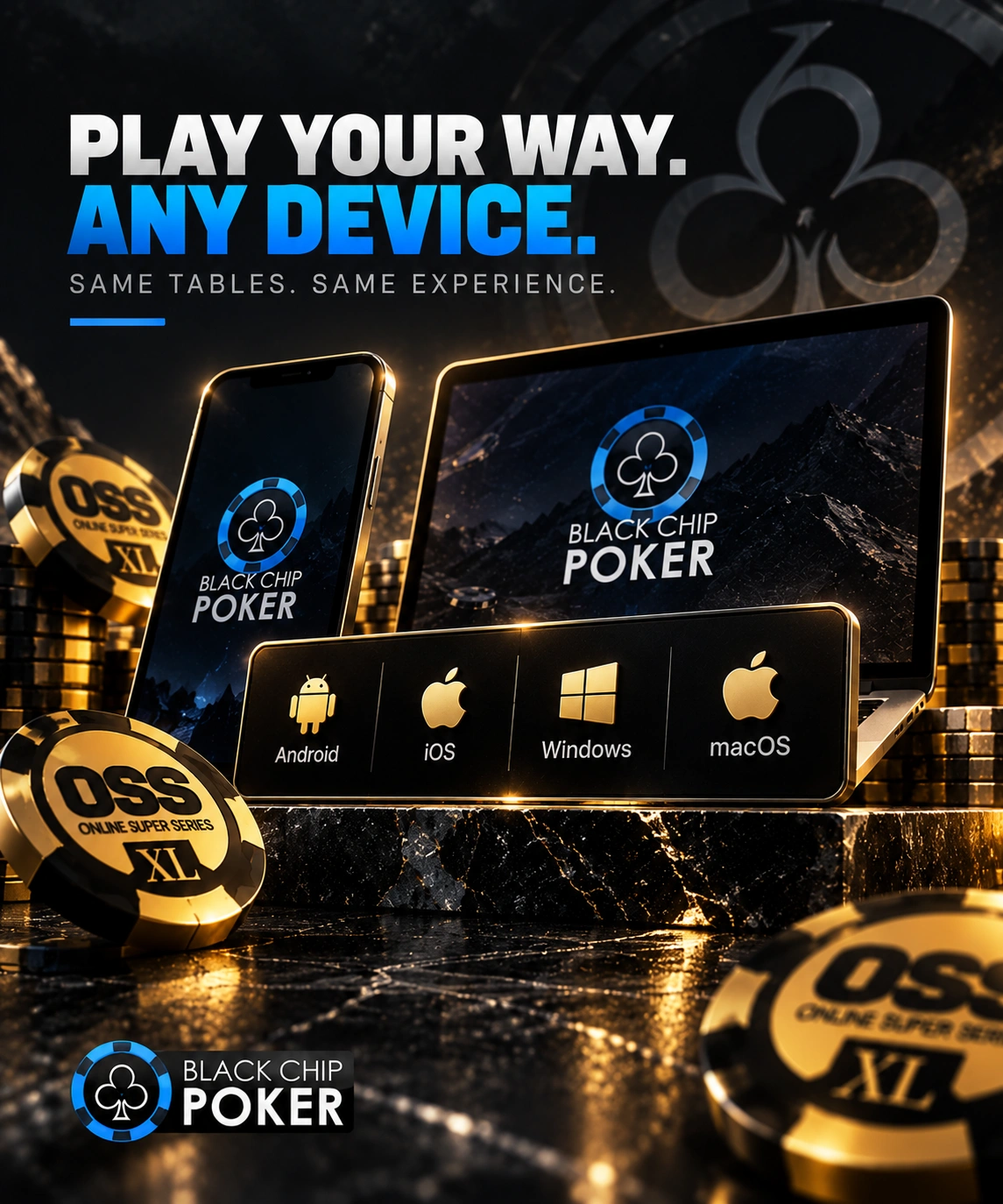
| Setup | Devices | Install Needed |
|---|---|---|
| Android app | Android phones and tablets | Yes, APK download and install |
| iOS app | iPhone (8 or newer) | Yes, Enterprise-certificate install via email link |
| Desktop client | Windows, macOS | Yes, one-time installer |
Installing the App on Android
Getting the poker app running on an Android device takes a few extra taps compared to a Play Store install, since it comes straight from Black Chip Poker's own site rather than an app store listing.
APK Download, Installation and Device Verification
Getting the Black Chip Poker app running on Android follows a short, consistent sequence:
Open the site in an Android browser and navigate to the Android download section.
Tap the download button for the APK file.
Allow installation from unknown sources when the browser asks for permission.
Open the downloaded file from notifications or the Downloads folder and tap Install.
Launch the app and sign in with an existing account or register a new one.
Anyone who already has an account from the desktop client can log straight in with the same credentials, no separate registration required. Because it's a new device, the account sends a confirmation message to the email address linked to it, and that confirmation needs to be completed before the device is fully recognized for real-money play.
Get The Android AppPlaying from iPhone and iPad
Apple devices reach the tables through a different installation route than Android, since the app isn't listed on the App Store at all - it runs on Apple's Enterprise certificate program instead.
iOS Installation via Enterprise Certificate
Open the official site in an iPhone browser and find the iOS download section.
Submit an email address to receive the installation link.
Open the email and tap the download link once it arrives.
On the App-Store-style page that appears, tap Install to start the download.
Once installation finishes, go to Settings → General → VPN & Device Management.
Find the developer profile and tap Trust before the app will open.
The whole process typically takes a few minutes the first time. Since Apple doesn't review Enterprise-certified apps the way it reviews App Store listings, the certificate can be revoked periodically - when that happens, a fresh reinstall with a new certificate is the only way back in. From there, cash games and Blitz Poker are available the same way they are on Android or desktop.
Get The iOS AppFirst Account Access from a New Device
Whether the device is a phone running the Android app for the first time or a desktop client freshly installed, signing in for the first time follows a similar pattern of credentials plus a confirmation step.
Login, Email Verification and Security Checks
Logging in from a new device starts with the same account credentials used everywhere else on the platform. For a new Android device specifically, that first login also triggers an email confirmation sent to the address on file, which has to be completed before the account is fully active on that device. If two-factor authentication is turned on, a one-time code adds a second check on top of the password, covering logins and payouts alike.
Finding Your First Mobile Poker Game
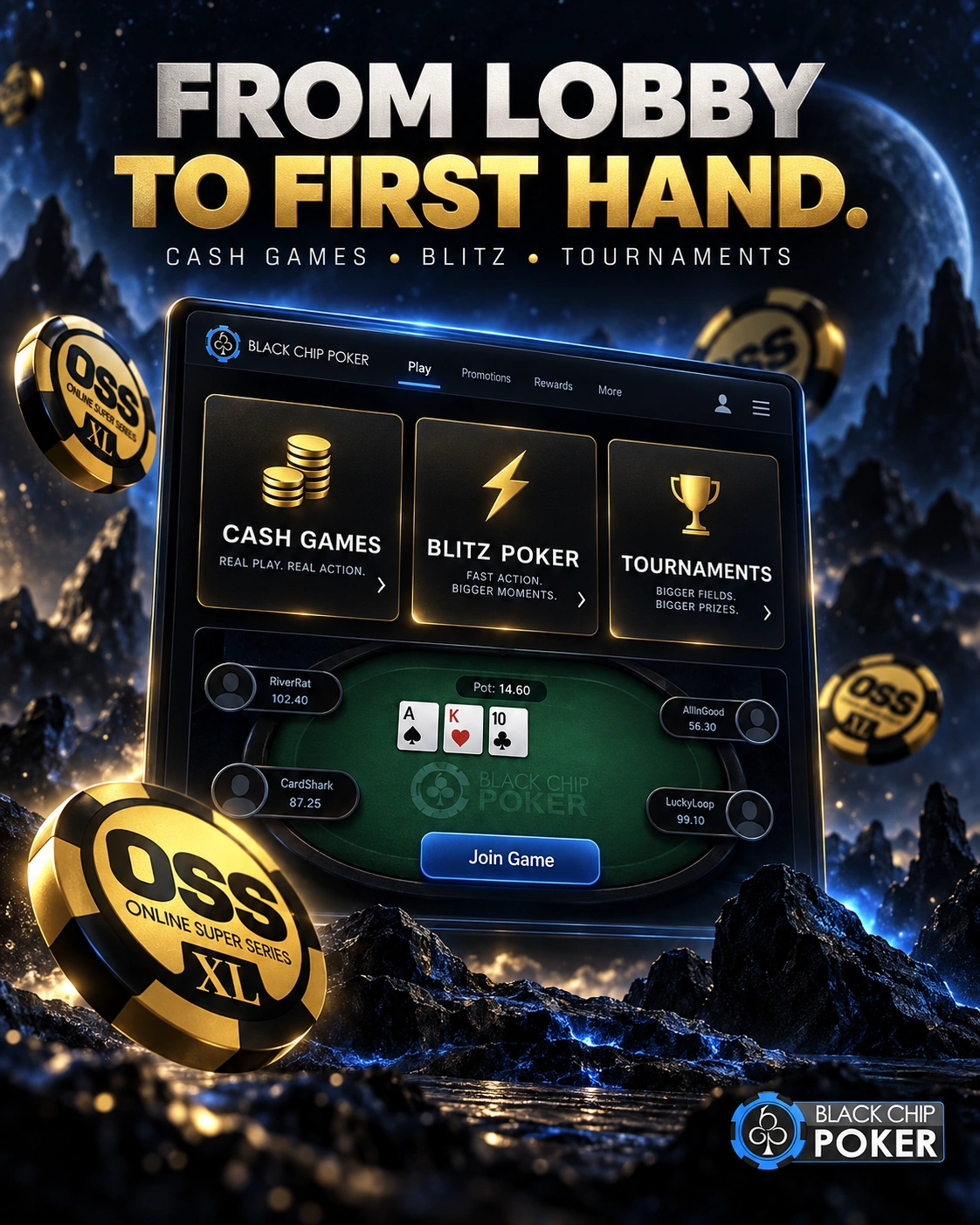
Once the download from Black Chip Poker is complete, the device is confirmed, and login is done, the path from lobby to first hand looks the same regardless of which platform was used to get there. The mobile experience is designed to keep navigation simple, with quick access to available games, account settings, and important session controls. Players can move between different formats easily and choose the option that matches their preferred pace of play.
Cash Games, Blitz Poker and Tournaments
From the lobby, a player can sit at a standard cash table, switch into Blitz Poker for a faster shared-pool format, or register for one of the scheduled tournaments. Blitz Poker on mobile works the same way it does anywhere else on the platform: the moment a hand ends in a fold, that seat empties and the player moves straight into a fresh table with a new hand already waiting, without a manual re-queue. This makes it easier to stay active during shorter sessions while still having access to the full range of poker options available on the platform. Whether choosing quick hands or longer tournament play, the mobile client keeps the process smooth from selection to the first deal.
Play on MobileManaging Money from a Mobile Device
A mobile session covers more than just play. Registering a new account, funding it with a first deposit, and requesting a withdrawal are all reachable from the same mobile interface used at the tables, so a player doesn't need to switch to a desktop to handle any of it. The specific banking methods, limits, and processing times are covered on the dedicated deposit and withdrawal pages rather than here, since those change more often than how the mobile account itself works.
Windows and macOS for Longer Poker Sessions
A few features are built with a longer desktop session in mind. Hotkeys speed up repeated actions with keyboard shortcuts instead of a mouse click each time, and Preferred Seating keeps a player in the same seat number at every table they join. Auto Buy-In and Auto Top-Up handle claiming seats and keeping a stack topped up without pausing between hands, which adds up across several tables running at once. None of these are required to play, but they're most useful for anyone spending an extended stretch at the tables from a Windows or macOS client rather than a phone.
Optimize My Desktop SetupFAQ
Is there a Black Chip Poker app to install on iPhone?
Yes, though it isn't on the App Store - it's installed via an email link and an Apple Enterprise certificate, which needs to be trusted in device settings before the app opens.
Does downloading the Android app from Black Chip Poker include the full range of games?
Yes, cash games, Blitz Poker, and tournaments are all available once the app is installed and the account is confirmed.
Why does a new Android device need email confirmation?
It's a security step that confirms the device belongs to the account holder before real-money play is fully enabled on that device.
Can the same account be used on mobile and desktop without registering twice?
Yes, one account carries across every device, so logging in from the app or a desktop client draws on the same balance and history.
Do Hotkeys and Auto Top-Up work on a mobile session?
No, those tools are part of the desktop client experience, built around keyboard and multi-table use rather than a touchscreen.